
Live Activities
Your two minutes, on the Lock Screen.
The timer keeps running in the Dynamic Island and on the Lock Screen, so you can begin without keeping the app open.
On the App StoreAndroid coming soon
 start/ishA ThriveOS app · iPhone
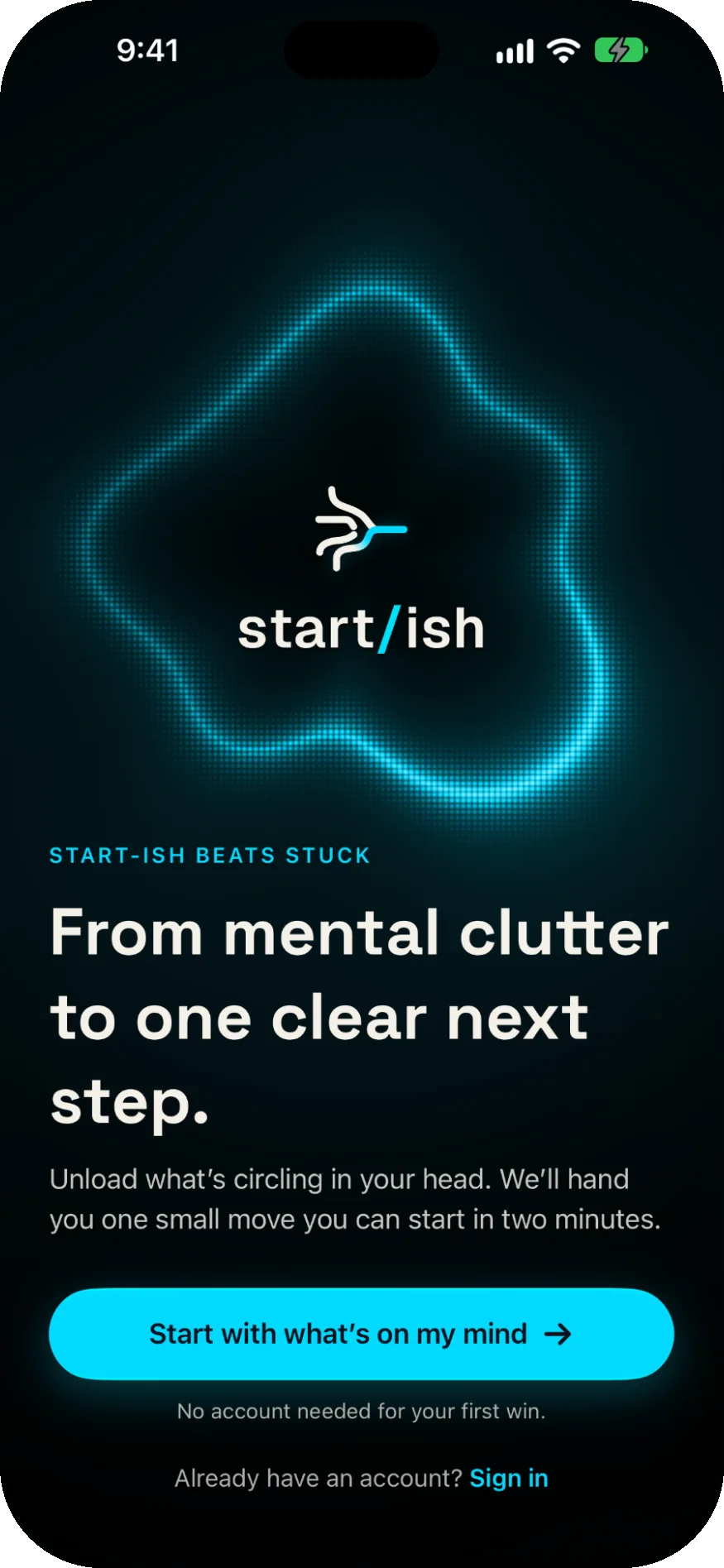
Say what's circling in your head — messy is fine. start/ish hands back one small, editable move, and two gentle minutes to begin it.
7-day free trial on the yearly plan
The moment before
Most productivity tools help after you've started. start/ish is built for the moment before — the freeze, the fog, and the “where do I even begin?”
How it works
No setup marathon, no list to groom. Everything in start/ish bends toward one thing: the next two minutes.
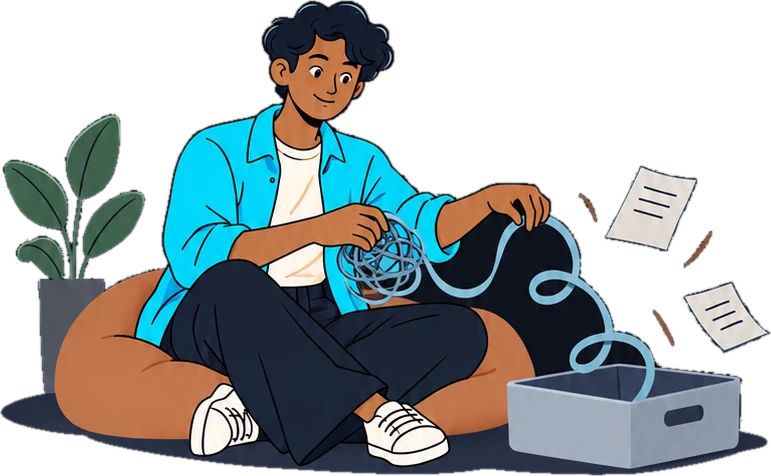
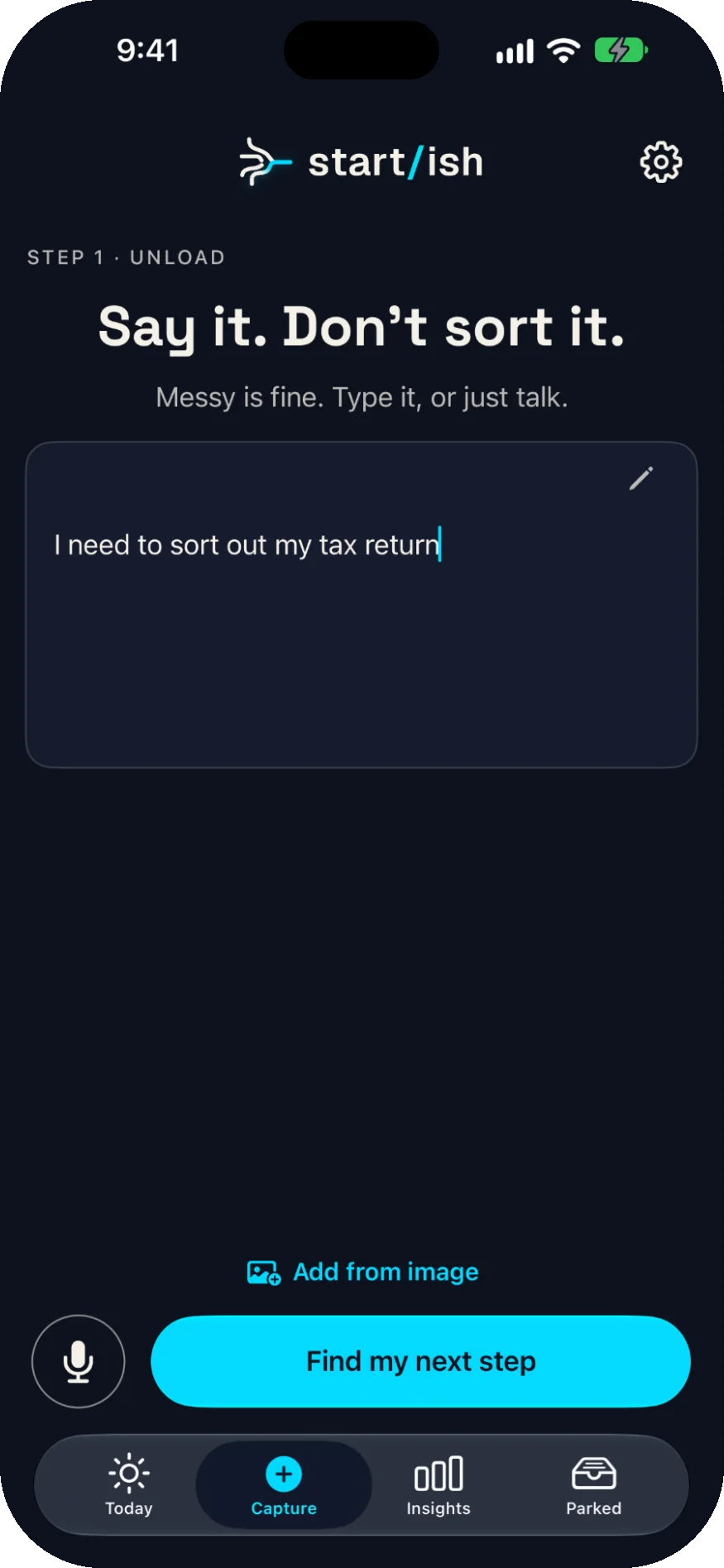
01Unload
Type it or just talk. No lists, no sorting, no pressure — and if it's already written down somewhere, add it from a photo.
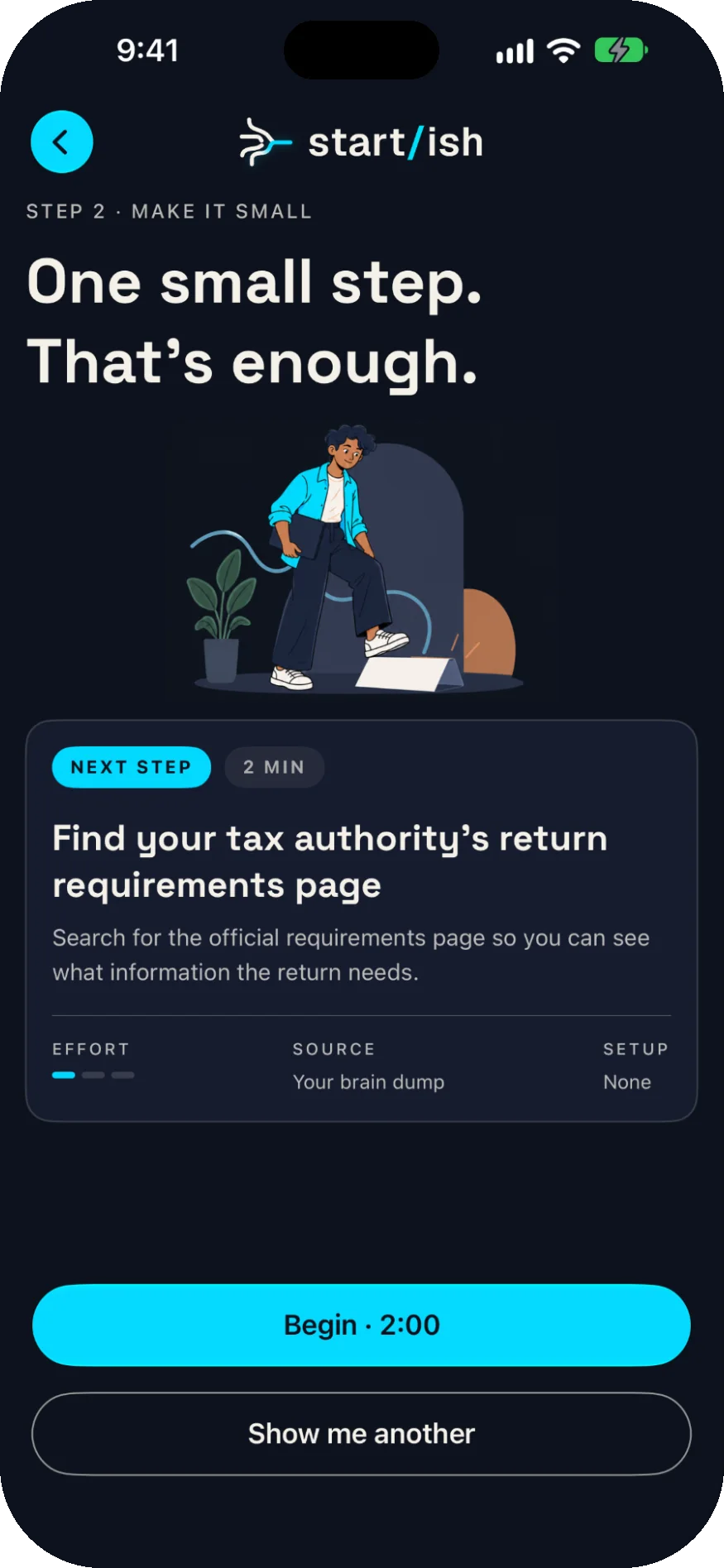
02Make it small
A two-minute move pulled straight from your own words. It's always editable, and if it isn't right, ask for another.
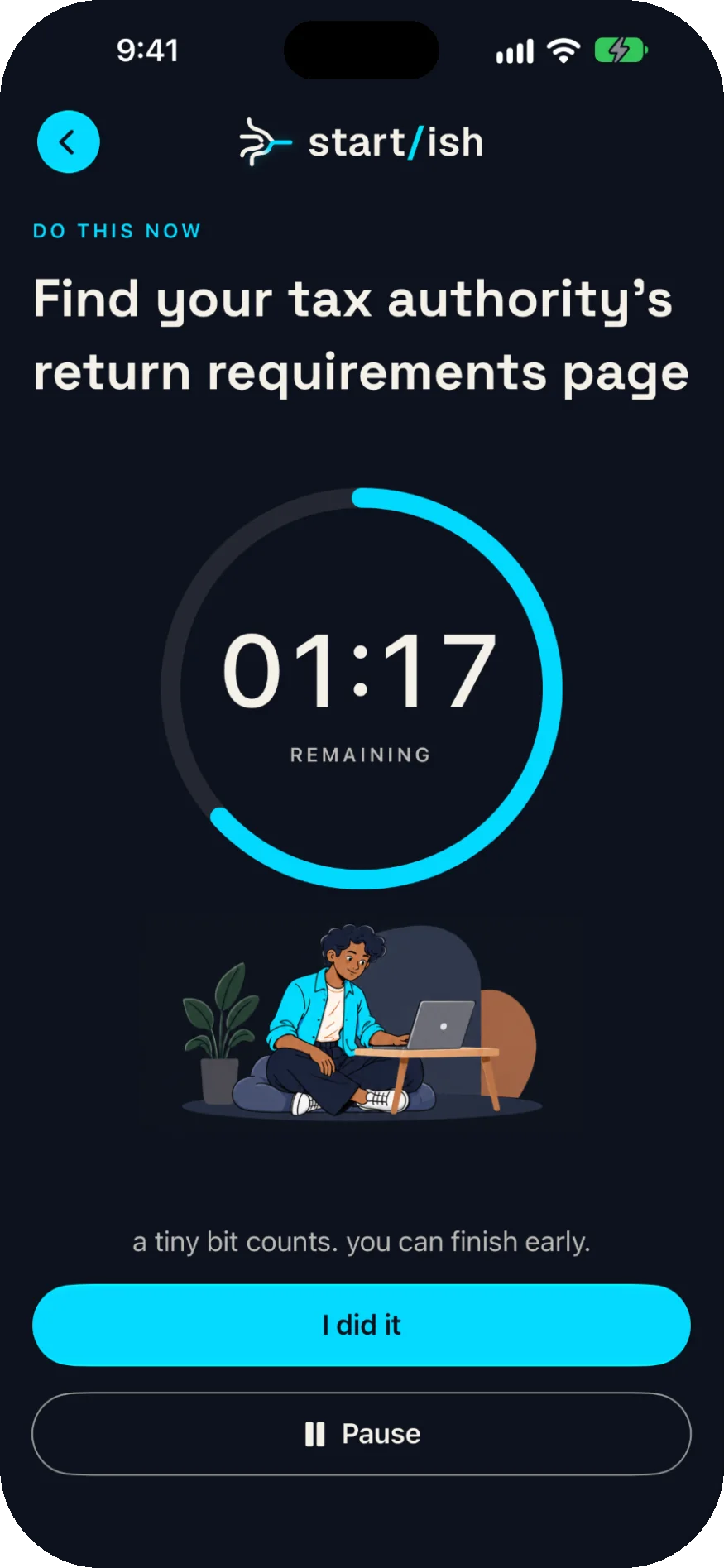
03Begin
A gentle timer, not a stopwatch. It follows you to the Lock Screen and the Dynamic Island, and a tiny bit counts.
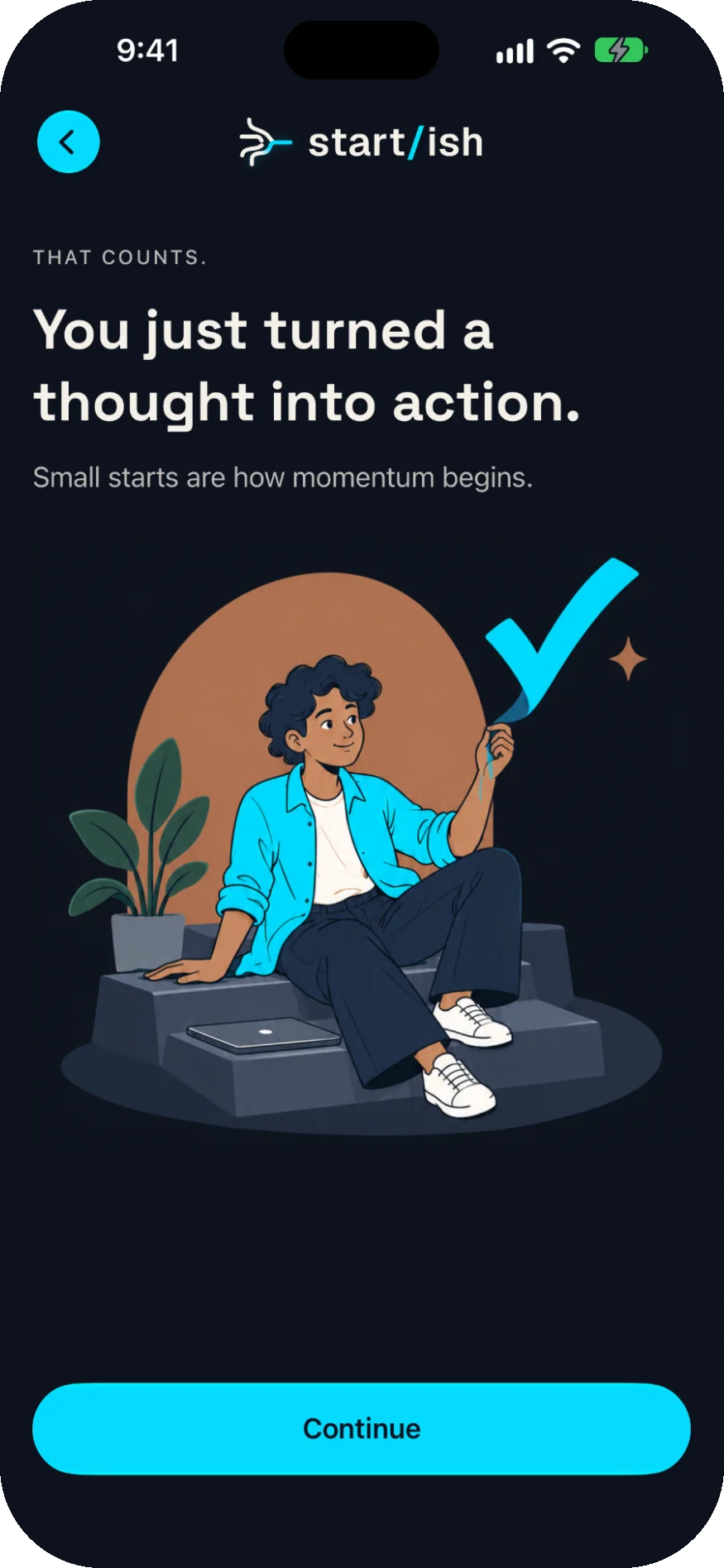
04That counts
Every start gets noticed, because every start is real. There's no streak to protect and nothing to tidy up.
Around the start
Planning, parking, checking in and looking back — each one built to lower the bar, never to raise it.
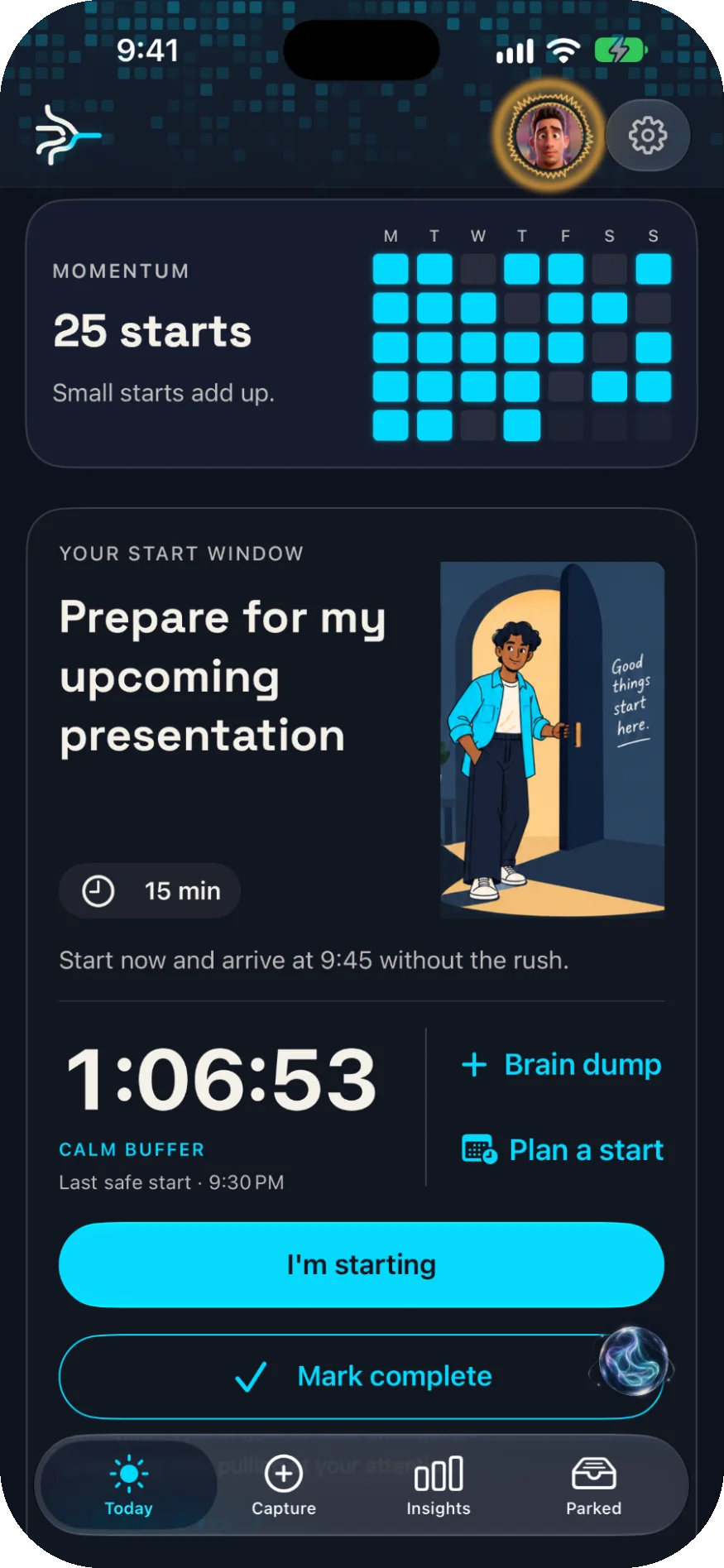
05 Today
A calm buffer counts down to your last safe moment to begin, so a start never turns into a scramble.
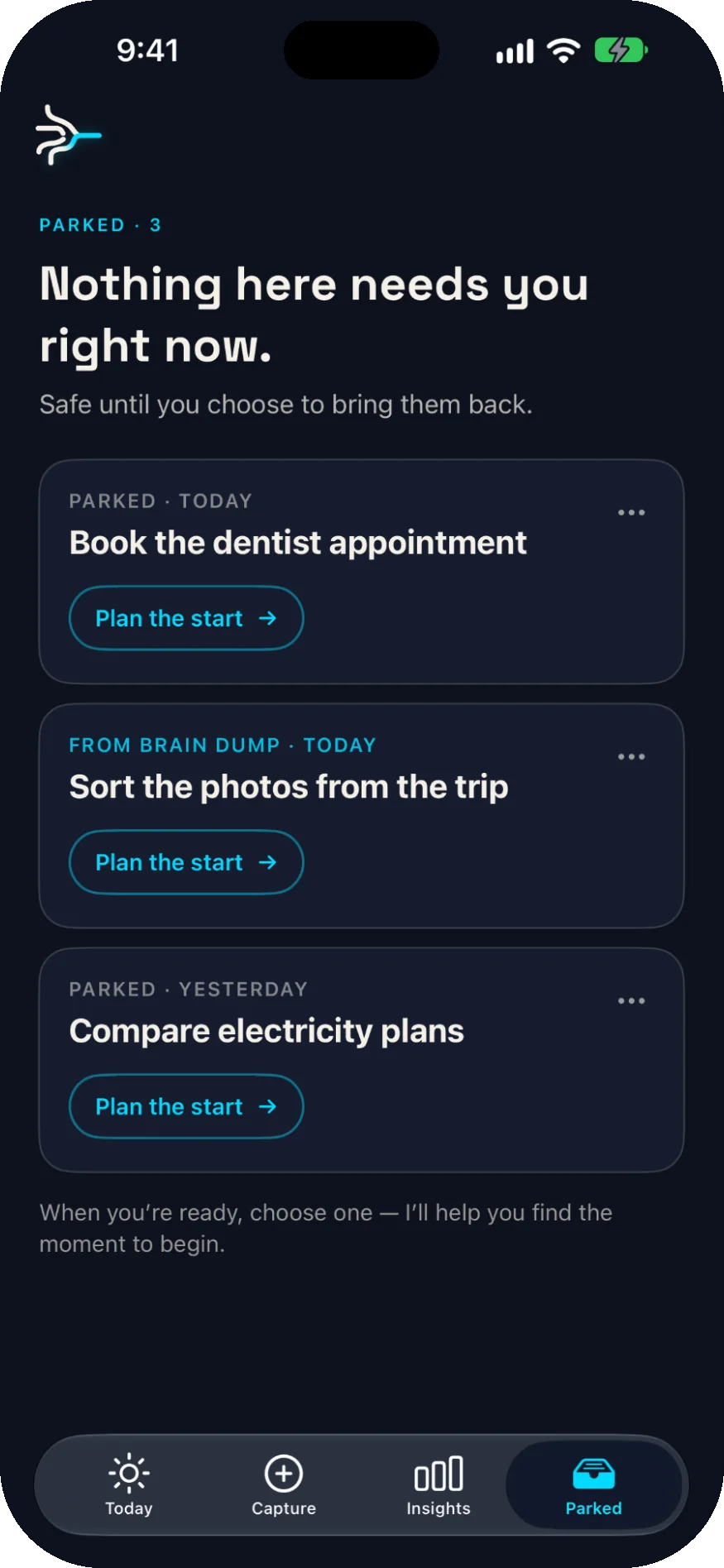
06 Parked
Nothing here needs you right now. It's safe until you choose to plan the start.
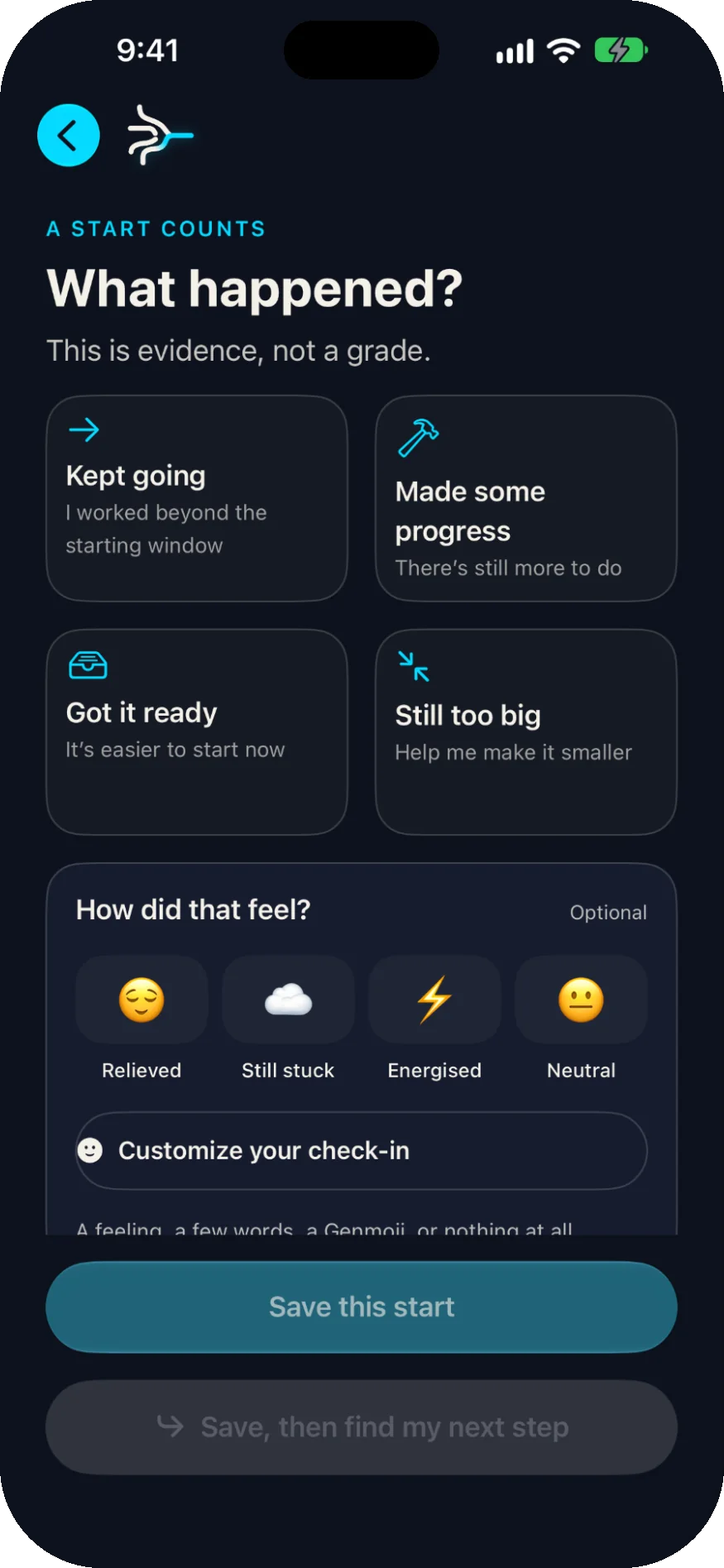
07 Check in
Log what happened and how it felt — kept going, made progress, still too big. Or skip it entirely.
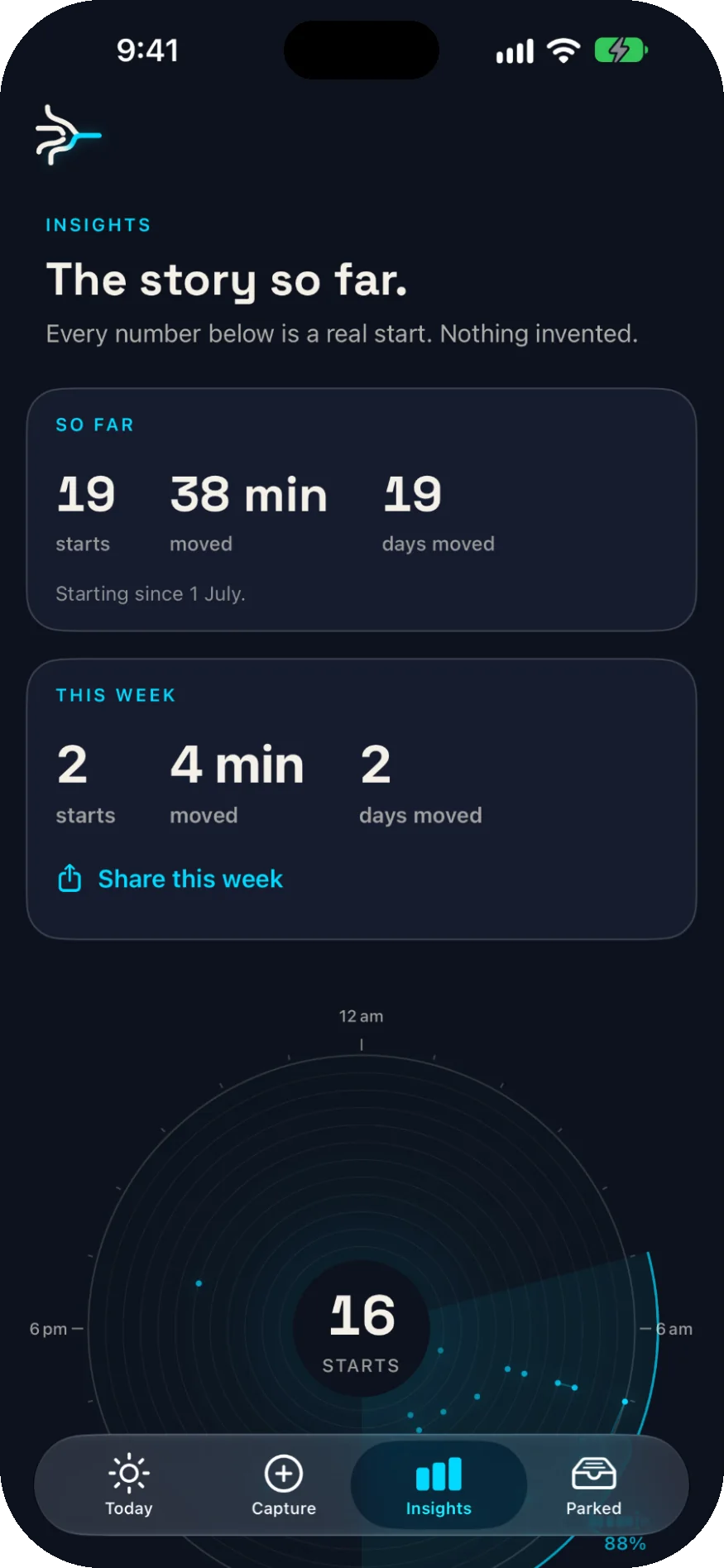
08 Insights
Real numbers from real starts: how many, how long, and when in the day you tend to move. Nothing invented.
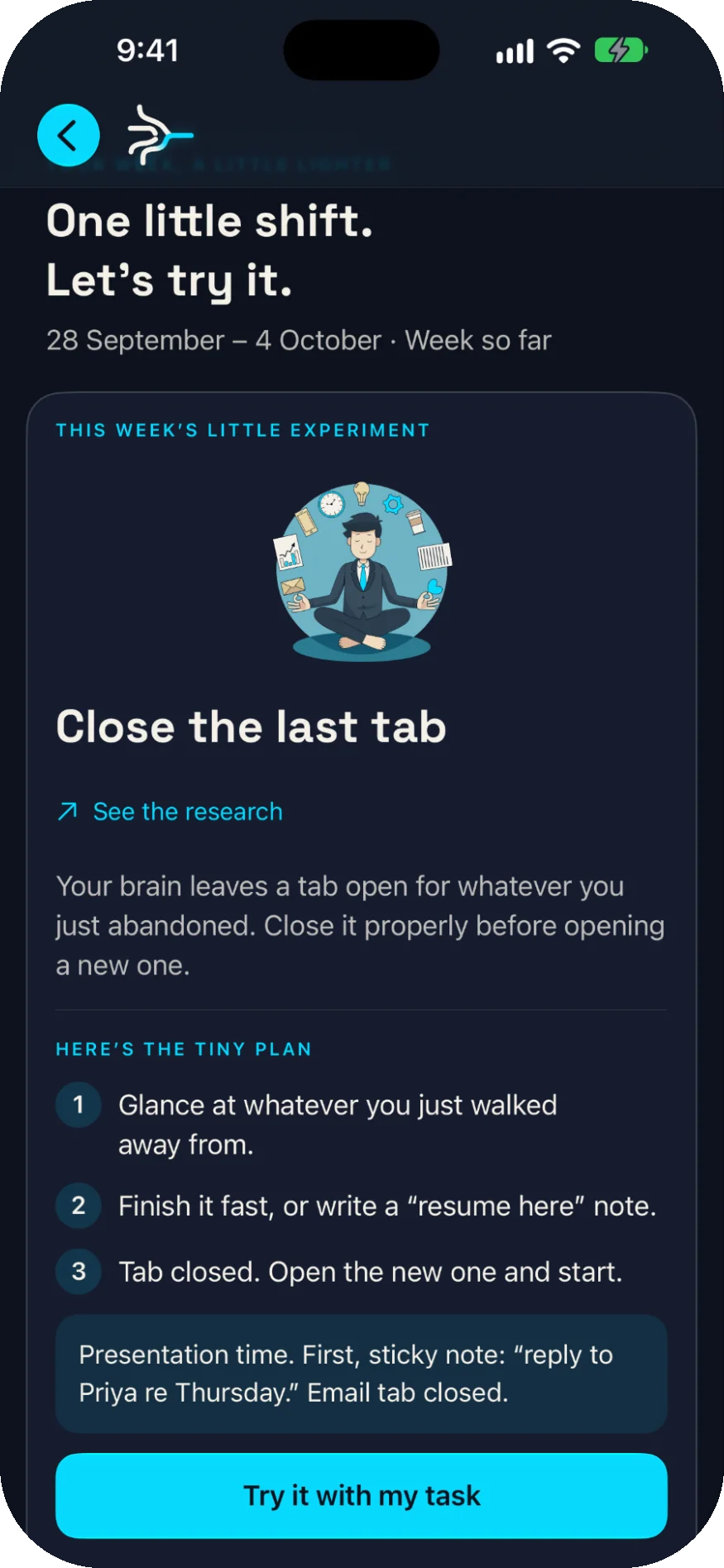
09 Weekly
A tiny, research-backed experiment to try on your own task, with the study a tap away.
Made for iPhone
start/ish reaches past its own icon — onto the Lock Screen, into the Dynamic Island, through Siri and the Action button — so starting takes one less step.
Live Activities
The timer keeps running in the Dynamic Island and on the Lock Screen, so you can begin without keeping the app open.
Widgets
Home Screen and Lock Screen widgets show your starts, plus the next window to move.
Siri & Shortcuts
Start, park a thought, or ask what's next — by voice, from Spotlight, or in Shortcuts. No setup.
Control Center · Action button
Put a Two-Minute Start control in Control Center, on the Lock Screen, or on the Action button.
Voice & photo capture
Dictate a brain dump, or photograph a note and review the tasks it finds before any of them land.

A to-do list asks what you must finish.start/ish asks what you can begin now.
Product principles
Privacy and trust
Launch
start/ish is available on the App Store for iPhone. Download it today, or leave your email to hear when it lands on Android.

7-day free trial on the yearly plan
On the App Store
Coming soon

Hear the day start/ish lands on Google Play, and nothing else.

start/ish handles the moment before action. ThriveOS helps the actions become lasting patterns.
Explore the ThriveOS ecosystemAn ADHD-friendly task starter. You empty your head into it, and it hands back one small action you can begin in about two minutes.
Now. start/ish is available on the App Store for iPhone, with a 7-day free trial on the yearly plan.
It's coming. start/ish is on iPhone first, and the Android version is in development. Leave your email on this page to hear when it's ready.
No. A list tells you everything still outstanding. start/ish is built for the moment before that — it takes the pile and returns one specific action you can start now. You can edit it, and you can always enter a task yourself.
It is designed around ADHD-friendly principles — almost no setup, one decision at a time, no shame — but anyone who gets stuck at the starting line can use it.
Not to reach your first win. Creating an account is offered afterwards, so your progress can sync across devices and be recovered if you lose your phone.
AI turns a brain dump into one suggested action. You get a clear explanation before that text is processed, the suggestion is always editable, and manual entry stays available if you would rather not use AI or it is unavailable.
No. start/ish is ADHD-friendly, not a medical device. It does not diagnose, treat, or replace care from a qualified professional, and nothing in it should be read as clinical advice.